Shopify Limitations
to Be Aware Of
There are two places in your store where we might incorrectly mark an image as unused. Here's what they are and how to handle them.
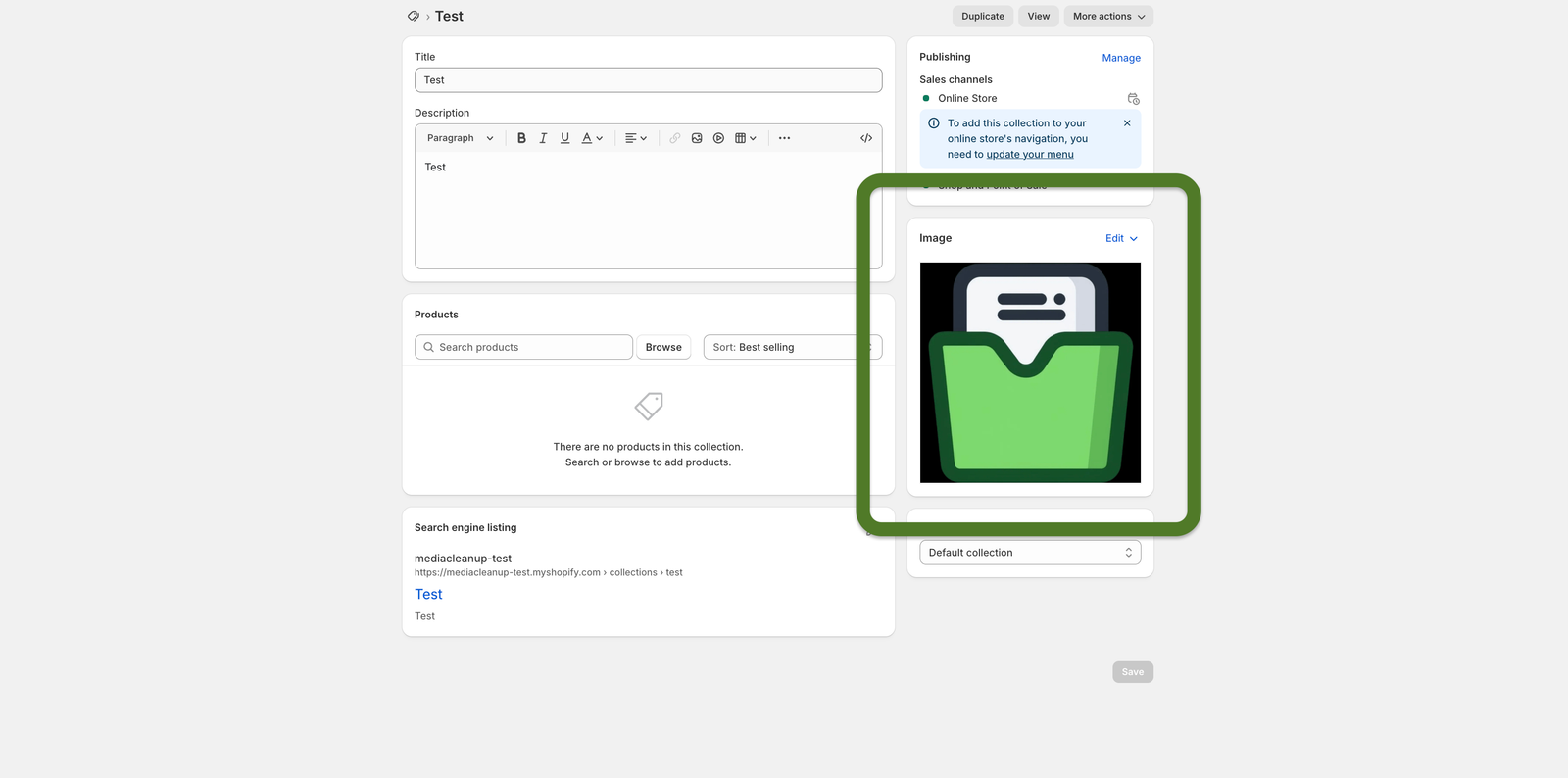
Your collection's featured image
Shopify stores the featured image for each collection in a way that our app can't always detect as "in use." If you have a featured image set for any of your collections, we may flag it as unused — even though it's actively showing in your store.
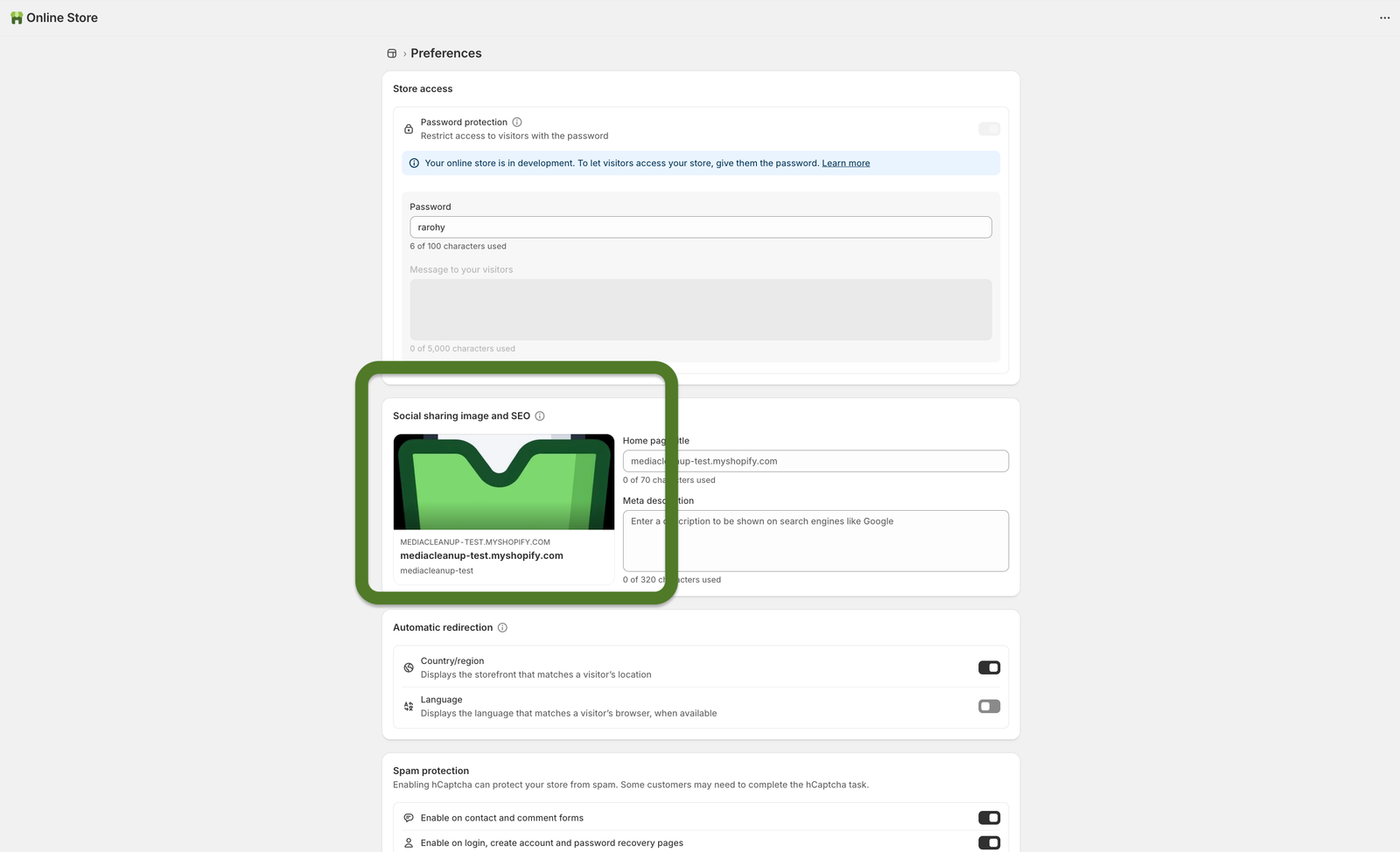
Your store's social sharing image
Your theme has a setting for the image that appears when someone shares your store on Facebook, WhatsApp, or any social platform. This image lives inside your theme settings — not in your media library — so we can't see that it's in use and may incorrectly flag it.
More apps for your store
A few other tools we've built that Shopify merchants love.

Alt-Pilot
Automatically write alt text for every image in your store. Better SEO, better accessibility — zero effort.
View on Shopify
Compress Pilot
Compress your product images automatically. Faster store, lower bounce rate, same visual quality.
View on Shopify